How to Make a Faceless Explainer Video Without Generic Visuals
A production workflow for faceless explainers that replaces random stock montages with evidence, diagrams, purposeful footage, and visual rhythm.
 BrollCat Editorial Team
A faceless explainer does not need a presenter, but it still needs a point of view. Without one, the edit often collapses into a stream of generic stock clips under a voice-over.
The fix is to make the argument the visible protagonist.
Start with a question, not a visual style
“Paper collage,” “cinematic,” and “minimal motion graphics” describe treatments. They do not define what the viewer is trying to understand.
Start with a precise question and answer:
- What is the surprising problem?
- What does the audience currently misunderstand?
- What mechanism explains the result?
- What evidence would change someone’s mind?
Only then choose a treatment that makes that logic easier to see.
Build four visual layers
A resilient faceless explainer usually draws from four layers:
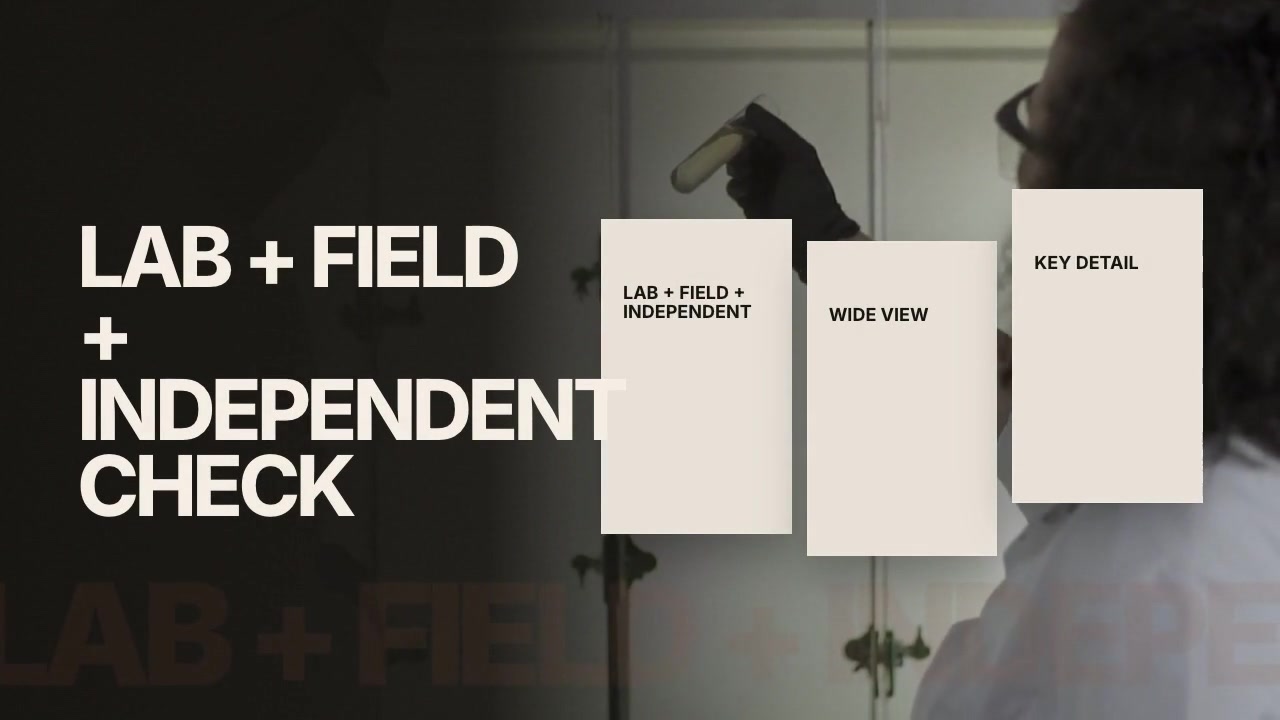
- World: footage and images that establish people, places, objects, and processes.
- Evidence: documents, quotes, screenshots, charts, and source details.
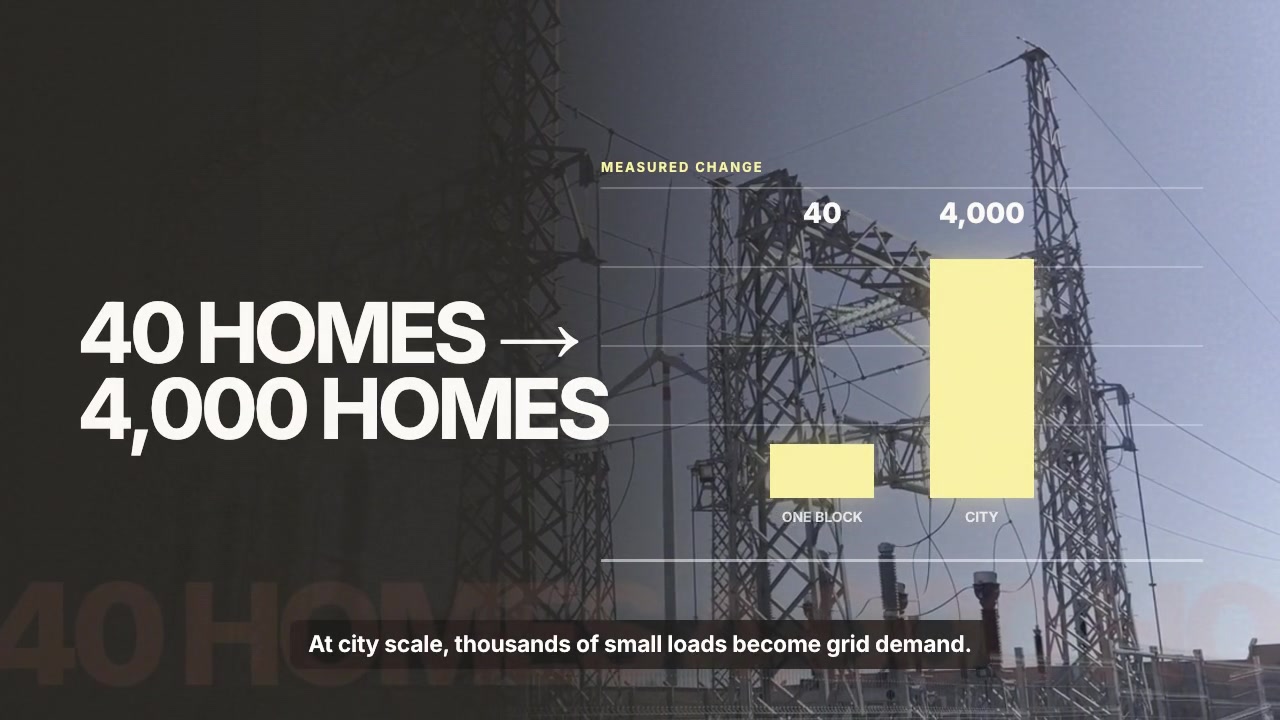
- Explanation: maps, diagrams, timelines, comparisons, and annotations.
- Identity: color, typography, caption rules, framing, and transitions that make the video feel coherent.
If the edit uses only the first layer, it becomes a stock montage. If it uses only the third, it may feel like a moving slide deck. The layers should support one another.
Plan scenes around changes in understanding
Create a new scene when the viewer’s mental model changes—not every time the narrator takes a breath.
A scene boundary is justified when the video introduces a new question, reveals a cause, changes time or location, compares alternatives, or resolves a previous uncertainty.
This keeps the visual structure aligned with the argument.
Use recurring visual rules
Consistency makes a faceless video feel authored. Define a small system before production:
- one treatment for source documents;
- one color for verified evidence;
- one way to label dates and places;
- one caption position;
- one transition family;
- one rule for when the frame may become visually dense.
Rules reduce random decisions without forcing every scene to look identical.
Design for the voice
Narration sets the information rate. Visuals should lead or support the spoken idea, not arrive after it has passed.
For each beat, identify:
- when the viewer first needs the visual;
- how long it takes to understand;
- which element should remain on screen as the narration continues;
- what the next scene should inherit.
Review before adding polish
Watch an early version with simple cuts and temporary assets. Ask whether every scene either shows, proves, explains, or deliberately gives the viewer room to breathe.
Do not use animation to rescue a weak structure. Fix the argument and visual jobs first; motion comes after.
Browse faceless explainer directions or start a new BrollCat project with your script, notes, or source material.